


The screencast explainer video is a simple yet powerful format that allows you to explain, through social media and other platforms, how various products and services work. These videos help audiences better understand applications, tools, and even entire systems.
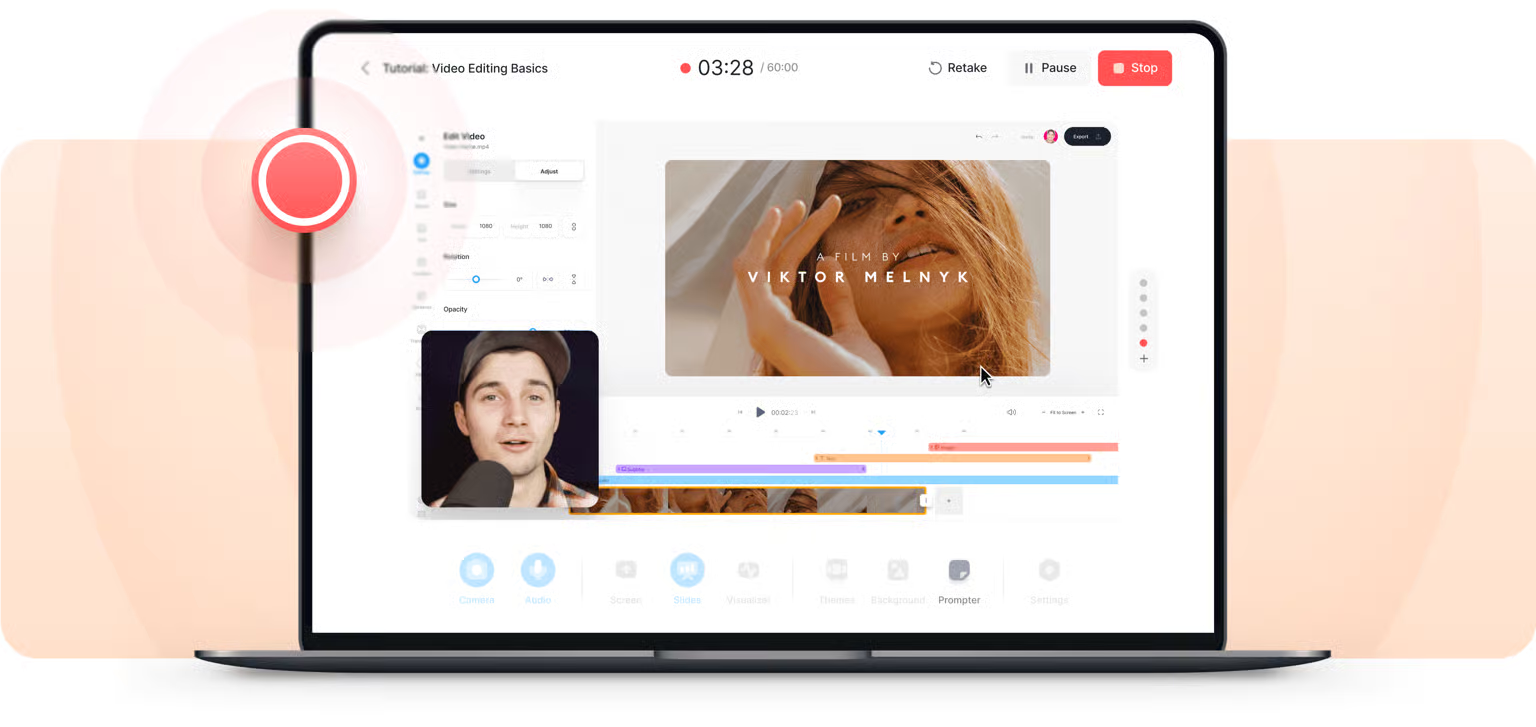
The best answer to “what is a screencast video” comes when we define it as a type of content that involves transmitting the screen of an electronic device, such as a computer, tablet, or smartphone. These videos are often created with audio narration and, sometimes, a smaller screen displaying the narrator’s face.
Why Use Screencast Videos? Benefits and Use Cases
It’s no wonder that the screencast video format is so popular these days; it has benefits that are attractive to everyone in marketing, from small influencers to large corporations.
Message clarity: It’s much easier to show how to do something than to give a long and confusing explanation. This practice helps reduce errors and misunderstandings.
Time saving: Recording the content once allows the tutor to teach thousands of people how to do a specific thing with just a small initial effort.
With such pros, it becomes the ideal solution in many ways. For example, you can screencast for education, working instructions, sales demonstrations, and more.
Examples of Screencast Explainer Videos
This is one of the most popular content formats on YouTube, so there are screencast video examples everywhere. Check out the most common ones below!
- Apps and software tutorial
It’s very easy to find videos online where the creators simply share their screen, turn on the camera, and activate their microphone, providing a step-by-step guide on how to use a specific tool. If you search online, for example, for how to remove the background from a photo in Photoshop, a screencast tutorial is exactly the type of video you’ll find.
- Videos about online services
When the company responsible for the application or computer program needs to create a more detailed guide for its new users, the same recording technique could be applied. The video can then guide them through the panel options and describe the features in detail, making the first experience much more user-friendly.
- Academic lessons
When course classes are not held in person, it is very common for the tutor to share a video call showing their own computer screen with their students. Whether through live streaming or recorded classes, both are considered examples of the screencast video format.
After recording, these examples can be saved in various ways, including MP4, which favors faster transfers and online sharing. Therefore, as we can see, this is one of the most clear and accessible ways to communicate with your target audience.
