


Video Asset Management is an integral part of the process of creating effective marketing content. For businesses that are first starting to build their collection of videos, finding an organization method can help them increase the effectiveness and usability of their content by properly storing and utilizing it.
Video Asset Management definition
Video asset management refers to the system put in place for the creation, storage, and distribution of all video assets a company owns. It involves various tools and digital asset management (DAM) software that allows you to effectively store your videos in a way that makes your catalog easy to search through.
However, video asset management does not only extend to storage. Instead, it involved everything relating to the video production workflow, including creating the videos, storing them, and ultimately distributing them.
How does video asset management work?
Video asset management has three key aspects: creation, storage, and distribution.
Creation
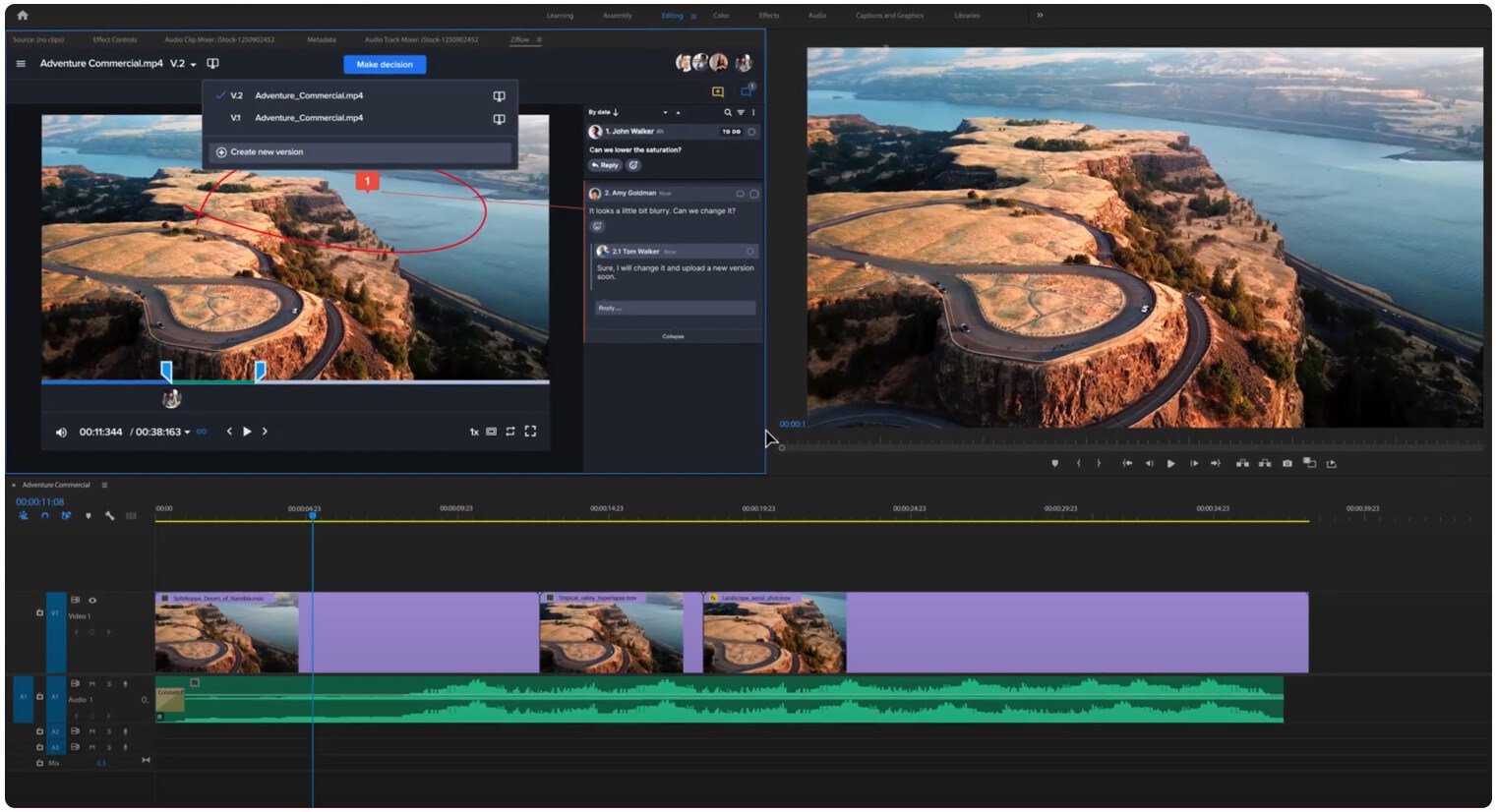
During the creation aspect, the proper video assets and content, including storyboards, shot lists, and scripts, are shared securely with the production team. With a good DAM in place, you can control what permissions each user has to ensure that no content will be lost or stolen.
Having a proper system in place will also allow you to direct the content in front of the right people with the proper permissions so that key stakeholders can provide their approvals after each production stage.
Tip: Teams can easily upload different versions and copies of the video assets to the system and work securely without fear of any content being lost.
Storage
Your video asset library is a secure central system that allows you to back up all your video content in high-resolution files. Using the right metadata, your library becomes extremely easy to look through, making it possible for you to access the videos you want in a much faster and more efficient way.
Distribution
Your DAM system is not just in place for storing videos, but it is also essential for sharing approved videos with different stakeholders. Videos can be shared either individually or through branded portals, giving your team the option of sharing videos more securely and widely depending on the project’s needs.
What are the best video asset management tips?
- Start with a clear objective.
A clear objective will help you decide which video asset management software is the right one for you, as well as choose a system that unifies with any existing DAM tools you have.
- Centralized Access
All of your video assets should be stored and managed from a central location. This provides you with better control over different permissions and access levels available.
- Streamline Processes
Choose a video asset management system and establish processes that will allow you to find the assets and share them for quicker access with your editing team. Create clear steps for getting approvals and streamlining your processes for more efficient video creation.
Select the video type that aligns with your marketing objectives, and receive an immediate estimate of the video production cost.
