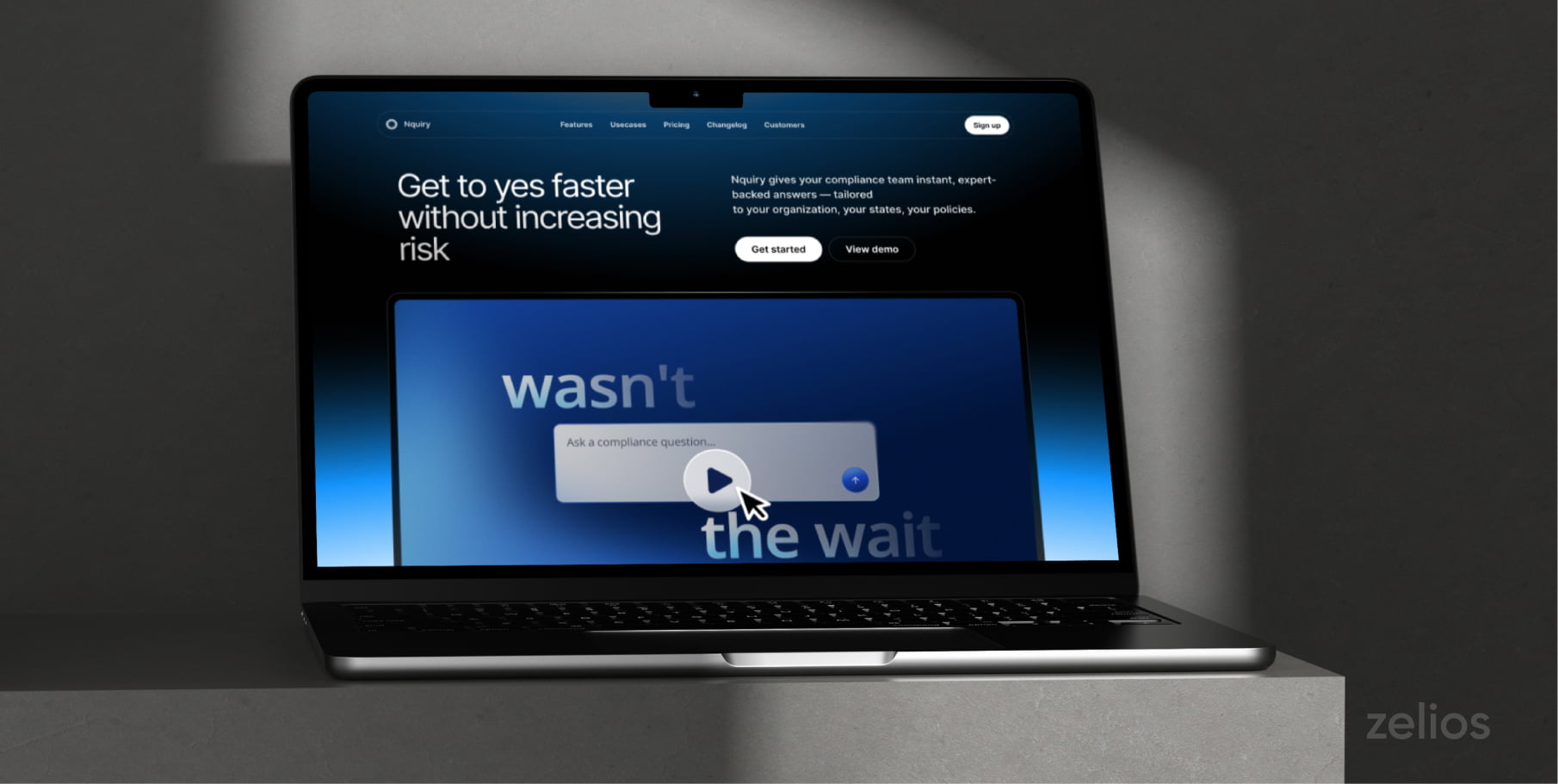
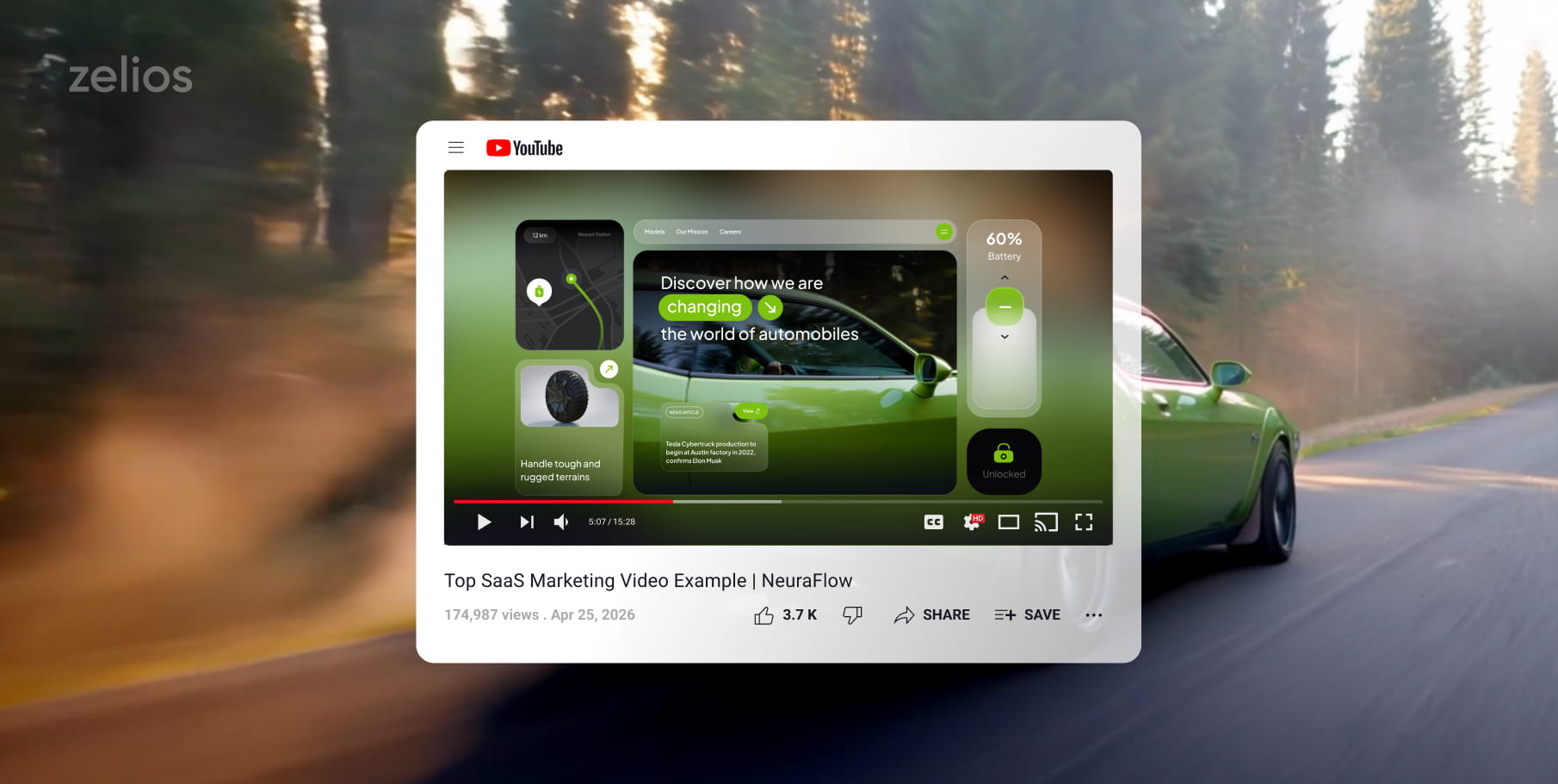
YouTube is where B2B buyers go to research before they ever talk to sales. They search for tutorials, comparisons, and proof that a product works for companies like theirs — which means a SaaS channel isn’t a brand asset, it’s a pre-sales asset.
These 15 YouTube video ideas for B2B SaaS, software companies and tech startups each answer a specific question your buyers are already typing into the search bar.
“This isn’t theoretical. A single launch video we produced for Supahub reached around 17,000 views organically on our own YouTube channel — 300–500 views a day with zero ad spend — and generated leads for the client as a byproduct.”
1. Animated Explainer
For a SaaS or tech business, an animated explainer is one of the ideal beginnings to a website. It assists you with clarifying what your product actually does without a ton of screens, dashboards, or technical jargon.
If your product solves a complex issue then this kind of video is a good fit. Don’t jump into features; start off with a simple situation your audience may relate to. For example, time can be wasted switching tools, changes might not be coming through, or a team might not be able to see performance.
Then introduce the product as “The way to go”.
Maintain an easy and informal style. The goal isn’t to impress with vocabulary — it’s for the viewer to think: ‘I get this, and I need it.
2. Product Feature Spotlight
A product feature spotlight highlights a single useful feature per spotlight. One useful feature at a time beats cramming the whole platform into one video.
Showing too much, too soon, can be the downfall of many SaaS businesses. They create a dashboard, click through all the tabs, and keep the people who are watching interested in the content. Most viewers only care about the feature that solves their problem.
The structure is simple: user problem → realistic example → feature → benefit. It works for prospects and existing customers alike.
3. Customer Pain Point: Your Solution
The big problem-solving idea with this video success tip is that it starts right where the customer is, in a state of frustration, busy-ness or desire for a better way!
Let’s say you’re going to talk about your platform’s increased automation capabilities. Begin by saying, “Still spending hours every week creating manual reports?” That opening reaches right to the eye of the viewer and really addresses the pain that is being felt.
Move forward and speak about how your product is making a difference to solve this specific issue.
It’s particularly helpful for YouTube Shorts, video ads, landing pages, and LinkedIn posts. That’s because it is clear and direct. There’s no need for viewers to make an educated guess about what the video is about.
4. How-To Video Tutorials
How-to tutorials are fantastic because they allow people to learn something useful. They can even serve as content for people who are already in search of a solution.
Tutorials don’t have to be limited to your product. It’s for B2B SaaS and IT companies. They can also be able to provide your listeners with what they can do to address related issues.
For example:
- How to develop a stronger sales report
- How to control remote team workflow
- How to get customers onboarded.
- How to track SaaS customer churn
- A method to integrate two business tools
Keep each tutorial to one task. A short, useful video beats a long one that tries to cover everything.
5. Technology Explainer
A technology explainer helps your audience understand the technology behind your product in plain terms. It could be helpful for SaaS, AI, cybersecurity, fintech, cloud computing, developer products, and other complicated offerings.
It shouldn’t feel like a lecture — the goal is to help the viewer make a more informed decision.
Effective examples of technology explainers should convey basic concepts visually, with visual images and real-life analogies. This is because your buyer is more inclined to be aware of the technology, along with the reason your product is important.
6. Product Walkthrough
Product walkthrough is a video that shows people how to use your product. It’s helpful for those who are already aware that there is an issue and would like to know if your product feels simple to utilize.
Keep the video clear, calm, and organized. Don’t rush through every feature.Rather, take viewers through the key elements of the product.
The walkthrough should be like someone is helping you out, explaining to you where everything is. That human touch makes the product less daunting.
7. Product Demo
A product demo is narrower than a walkthrough. It solves one practical, real-world problem end to end.
For example, a sales manager could be building a pipeline report; HR team could be automating onboarding processes; or the support staff could be shortening support response times.
The proof of the best software demo is its results, not its functionality. Just don’t include the wording “Click here to open reports. Provide a description of the value the report is providing the user and what the user expects to get out of the report.
8. Client Testimonials
Clients’ testimonials can establish trust as they allow your actual customers to share their stories.
An excellent testimonial in the B2B SaaS industry should be more than a praise. It should contain reasons for the customer’s usage of the product, the circumstances before using it, the situation after using it, and reasons for continued use.
Discuss with customers:
- What was your problem before?
- What is the reason for your selection of this product?
- What did you find to be an easy part of starting this project?
- What outcome(s) have you observed?
- To whom will you recommend it?
Natural sounding best testimonials. They should not be overly scripted. A good customer story will out-tell a polished brand message.
9. Product Comparisons
Product comparison videos work well as they help B2B buyers make a decision after weighing a number of options.
These videos can be used to compare your product with another tool, or different approaches. For instance, you can have “Manual Reporting vs Automated Reporting” or “Spreadsheets vs Project Management Software”.
The main thing is to be fair and useful. Don’t come across as aggressive towards competitors in the video. Rather, share who each is ideal for and where your product falls.
10. Do and Don’ts Video
Basic Practical Do and don’t video – easily watchable with a clearly stated meaning. This way your customers won’t commit the most common problem and assure that your firm is helpful and competent.
It’s simple to organize thus this format works. The points can be simple, easy to understand, and helpful. It’s also suitable for a lengthy YouTube video and shorter pieces to post on LinkedIn or Shorts.
Make each advice as precise as you can. Instead of “Don’t ignore data,” say “Don’t measure too many metrics at once. “Let’s start with the three numbers that tell us if things are getting better.
11. Customer Story
A customer story is akin to a customer testimonial, but it is more in-depth. It’s a before-and-after story.
It is particularly effective for B2B SaaS as the purchase of software is inherently risky. Prospects are interested in if the product is effective for businesses similar to their own.
Keep it plausible, not exaggerated. Specific details make it stronger: ‘the team saved six hours a week on manual reporting’ beats ‘the platform saved lots of time.
12. FAQ Video
Your sales, support, and customer success team will have the answers to all of the questions they receive regularly – and an FAQ video will have the answers for them.
This is helpful because if a buyer doesn’t have enough information, he or she may be reluctant to buy. They might be interested in pricing, setup, integrations, data security, support, onboarding, or if it fits the size of their team.
FAQ videos also save your team’s time, as they can send a useful video rather than answer the same question over and over again.
13. Vertical “Micro-Insights” Shorts
SaaS and tech startups can use YouTube Shorts to share their ideas in a simple format in just a few seconds. These videos are brief, vertical and readily repurposable from longer content.
Shorts don’t have to be silly or trendy for B2B brands. They can also be efficient and helpful, as well as being professional.
Examples include:
- Create a list of tips you can use in 30 seconds.
- One mistake to avoid
- When it comes to one of the product features, it is truly explained in a very brief manner.
- One statistic that has a straightforward lesson to be learned.
- One founder lesson
- One user challenge
One point is to be made. Shorts can bring new people to your content funnel, and longer videos can provide more detail on the subject.
14. Industry Data & Trends Insights
Industry data and trend videos serve as a way to put your company in the minds of consumers as a thinking voice in the marketplace.
For instance, a cybersecurity company can talk about the current discussion of cybersecurity. A sales software company can discuss the trends in the pipe. An AI startup can describe the shift that’s happening with automation, hiring, or customer service.
It is best to use these videos when more than statistics are repeated. Make your own interpretation of it. Explain to viewers what the trend means for their business, and what they should do next.
15. Founder’s or Company Story
A founder’s or company story video will convey the purpose of the product. This is crucial because B2B buyers are human after all. They would like to know the details about the company, its product, and the type of team they will be dealing with.
This video can address:
- Explain the reasons for the company’s creation.
- What the founders saw as the issue
- What was the missing link?
- The team’s core values
- The quality of the service you can expect from the company.
Keep the tone honest. Don’t over-polish the story — real challenges, lessons, and turning points make it relatable.
This kind of material is particularly beneficial to startups as it can help create trust prior to widespread brand recognition.
Every Video Answers a Buyer Question
Before picking a format, identify the question a prospect is actually asking. Each idea below maps to one:
| # | Video idea | Buyer question it answers | Funnel role |
| 1 | Animated explainer | “What is this, in one minute?” | Awareness |
| 2 | Feature spotlight | “Does it handle my specific workflow?” | Consideration |
| 3 | Pain point → solution | “Does anyone get my problem?” | Awareness |
| 4 | How-to tutorials | “How do I solve this task?” | Search-driven discovery |
| 5 | Technology explainer | “How does the tech actually work?” | Technical evaluation |
| 6 | Product walkthrough | “Will it be easy to use?” | Consideration |
| 7 | Product demo | “What result do I get?” | Decision |
| 8 | Client testimonials | “Do companies like mine trust it?” | Decision |
| 9 | Product comparisons | “This or the alternative?” | Decision |
| 10 | Do’s and don’ts | “What mistakes should I avoid?” | Trust-building |
| 11 | Customer story | “What changed for a real team?” | Decision |
| 12 | FAQ video | “What about pricing, setup, security?” | Objection handling |
| 13 | Micro-insight Shorts | “Give me one useful thing in 30 seconds” | Discovery |
| 14 | Industry data & trends | “What does this trend mean for us?” | Authority |
| 15 | Founder’s story | “Who am I actually buying from?” | Trust-building |
Takeaways
A successful YouTube strategy doesn’t have to be costly. Begin by using the videos that address your buyers’ top questions. Simplify your message with explainers, demonstrate your value with demos, build trust with testimonials, and stay visible with Shorts!
From startup launches to scaling SaaS platforms or enterprise needs, we are here to help you move quickly and efficiently with all your video requirements.
Select the video type that aligns with your marketing objectives, and receive an immediate high-level estimate of the production cost.