Standing out on LinkedIn is getting harder by the day. It is more about creating videos that are out-thinking your competitor’s strategies.
But do you want to know the good news? Most professionals want to play it safe with generic updates and thought leadership posts three times a week. Instead, use these amazing ideas as a starting pivot for your conversations.
Standing out on LinkedIn isn’t about producing more videos — it’s about creating videos your competitors aren’t making. Use these 12 ideas as a starting point, experiment consistently, and pay attention to what generates meaningful conversations.
1. Mini Case Study Video
Start with a mini case-study that will make your LinkedIn stand out. Keep the video short. It should also follow a very simple structure. Follow a problem, actions to take, and the outcome.
What to include:
- Start with the problem. Be very specific and avoid vague language.
- Include the single action or decision that change things.
- A tangible result in numbers.
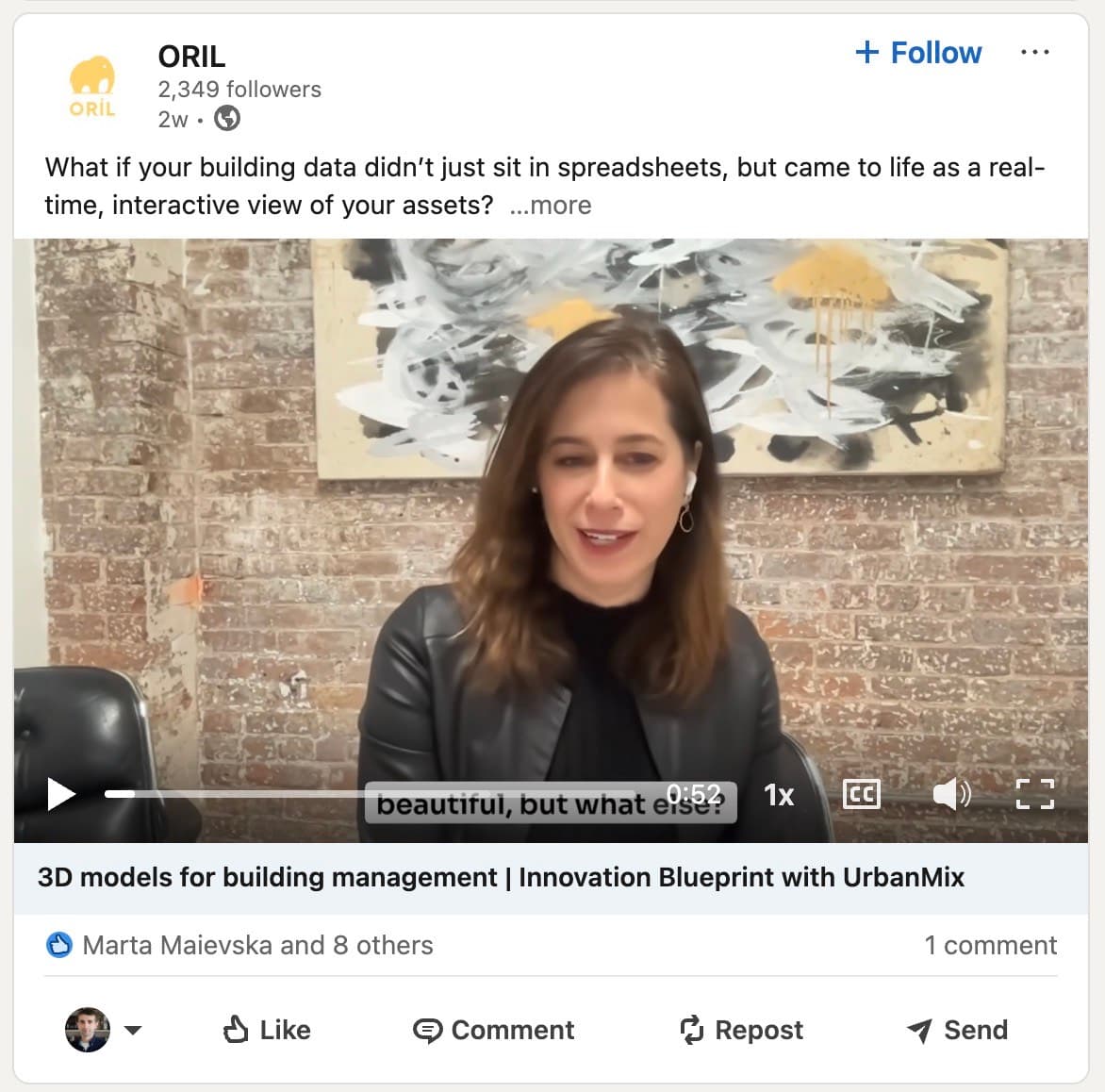
Source: ORIL
2. Quick Tutorial / “How I Do This”
You can include screen-recorded videos in walkthrough style. This can include tools, workflows, and target high-value professional audiences. Narrate the videos in real-time and include captions.
3. “Myth vs. Reality” Explainer Video
Pick a few myths about your niche. And dismantle them with the data that you can put out. Also structure your video with what people believe first, and what is actually true next. By using this format, you can attract users that critically analyse industry points instead of believing anything they read.
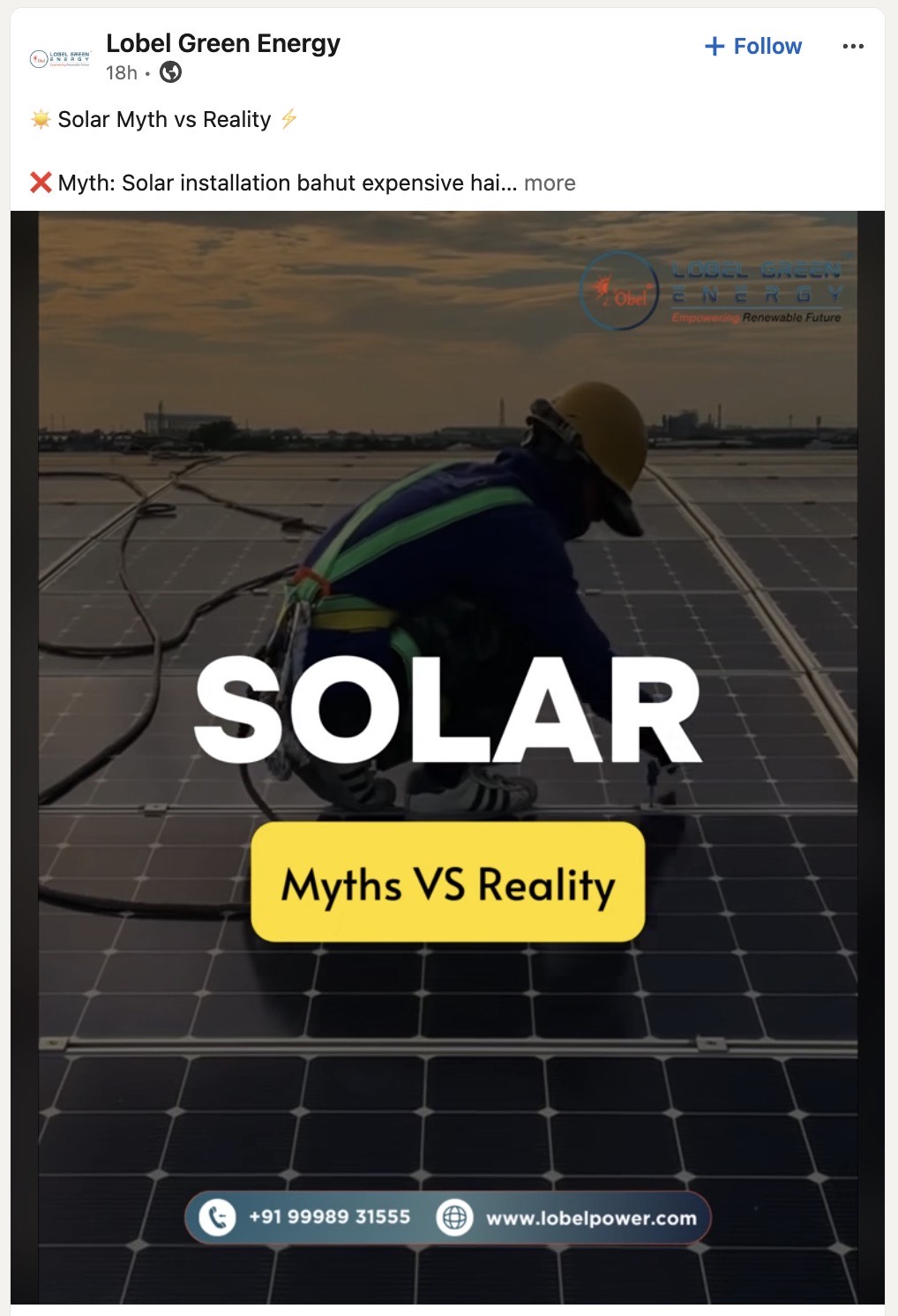
Source: Lobel Green Energy
4. “A Day in the Life” of a Niche Role
Start with a day-in-the-life video. This will not be a generic video, but rather look at insights surrounding a professional role. It will be eye-opening for people who want to enter your field and want to know more about the day-to-day activities. The more specific a role is, the stronger your video will perform.
5. Event Recap Video
Start by filming the video while you are still at an event. Share glimpses of it. It can include segments like rapid-fire, takeaways, and bits and pieces from it. This will be more than a reflective piece and include more about activities surrounding your role.
6. “Lessons from a Failure” Video
Another important area to explore would be videos surrounding failure and what you learned from it. LinkedIn is a very success-centred platform but people should highlight trials and failure as a part of success. In such rare videos, it adds authenticity and centres you as human.
Keep it simple. It should include bits of what you tried, why it went wrong, and what you would do differently this time.
7. Client Testimonial Video
Avoid similar, static videos that talk in circles. Structure a short story about your client, the changes they made, and the results achieved from those changes. Try and film the client directly about this, as consumers are more likely to trust a testimonial that comes directly from a client at face-value, rather than long case studies with words and numbers.
8. Industry Prediction Video
Start by making a bold prediction about your niche. This can also be about the platform itself. State the prediction you are making. It can be a trend, technology, or something to agree or disagree with.
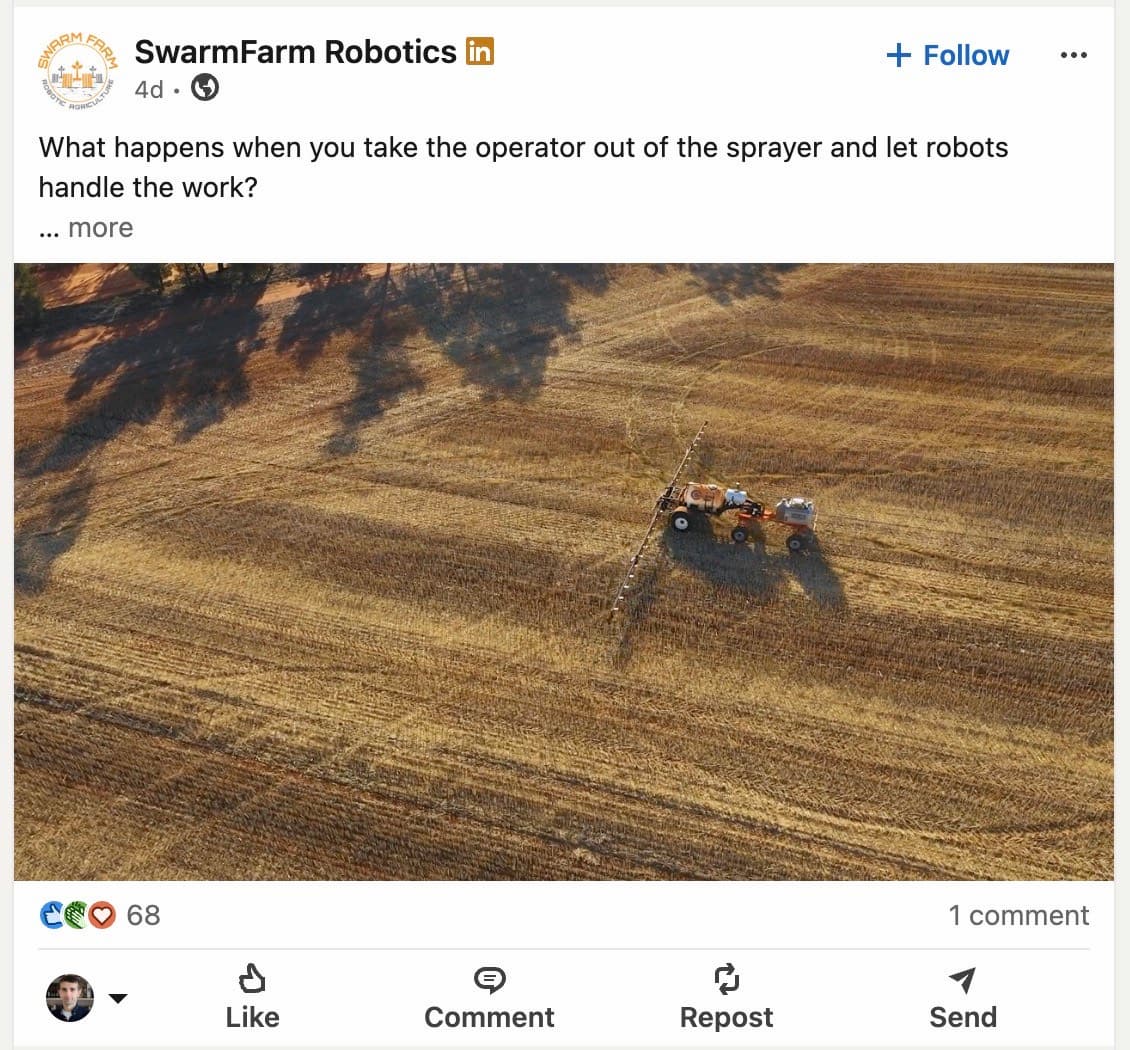
Source: SwarmFarm Robotics
Make sure you are specific with your words. Being vague will not do the job. Now use some time to explain your reasoning and interact with the feedback.
9. “Unpopular Opinion” Video
Unpopular opinions, they get replies and replies make the whole algorithm kind of go do more reach, you know. And what makes this format work, like as a series. It’s that expectation it sets up. People come back because they already know you’ll challenge one assumption they’ve been taking for granted, almost like it’s a small routine.
The goal isn’t to be provocative just because, either. The goal is to take a stance that’s defensible, really specific and honestly a bit ahead of where your audience is standing right now. That’s how you end up with a following, over time, as part of a longer video strategy not just a single hit.
10. “Side-by-Side Comparison” Video
Method A vs. Method B, Tool X vs Tool Y, Old approach v new approach. Even though the comparison format is one of the highest-performing formats on YouTube and TikTok it seems kind of missing from LinkedIn short-form video mostly. That gap is your chance. Decision makers on LinkedIn are always sorting through options, like real fast.
It’s basically a clear comparison video, that’s well organized and it saves them time, and also it makes it sound like you, you actually cover both sides of the argument, not just the loud part. And yeah, I mean, that’s the gist of what they want, a simple back and forth kind of deal, explained, so they don’t have to dig around too much.
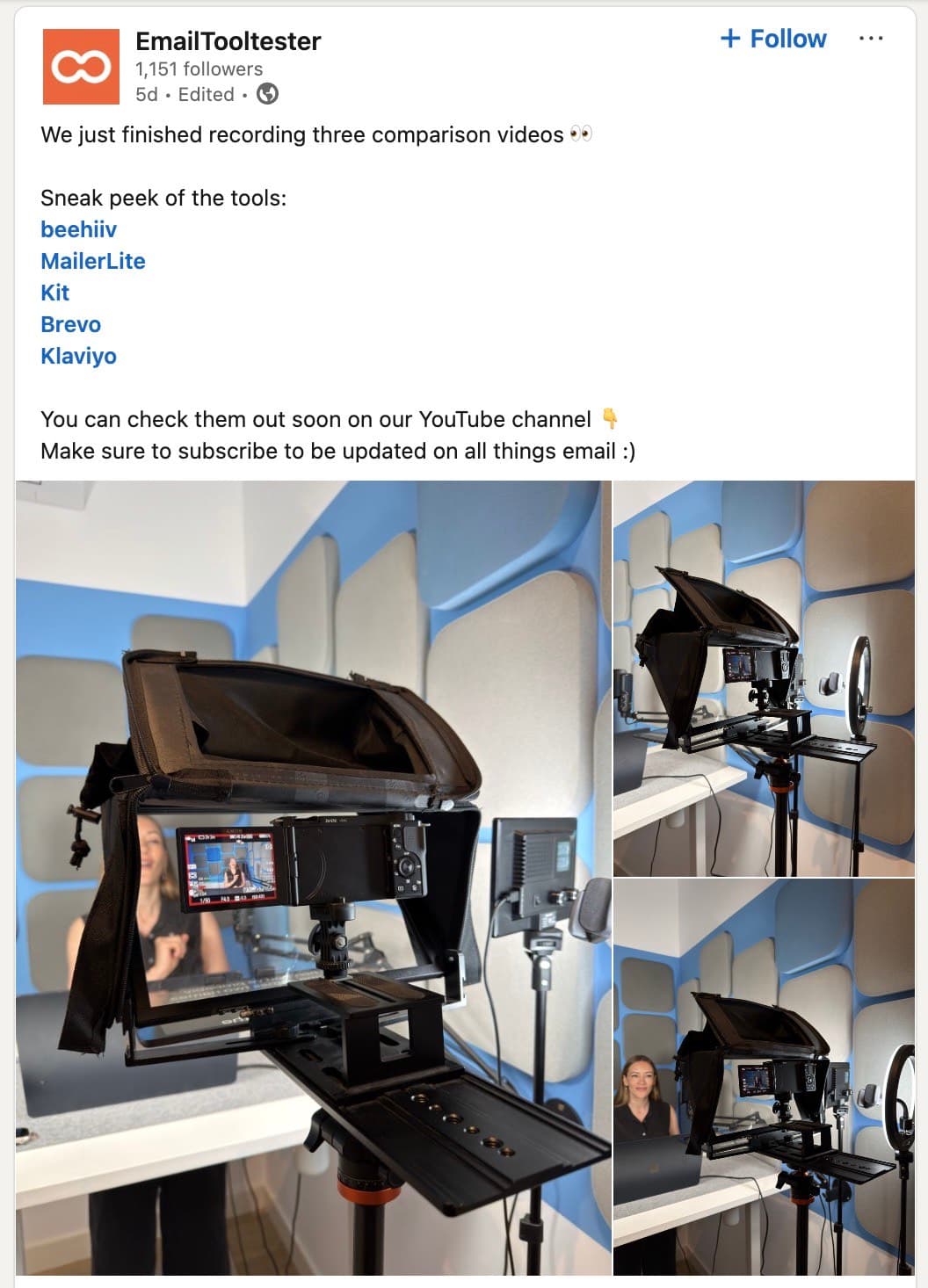
Source: EmailTooltester
11. “Before and After” Transformation
Try a visual compare, like a before after scenario with split screens, quick cuts, or just place the footage side by side. It can work for client results, your personal project work, or even a subtle but professional mindset shift that feels almost invisible.
Use a format that is instantly scannable, because LinkedIn keeps pushing short form video in the feed algorithm. So, make the contrast painfully clear in the first few seconds, so people don’t scroll past before the transformation actually lands.
12. Q&A Video
Screenshot a comment or question from that previous post, then read it out loud right at the beginning of the video. Answer it directly, don’t add any extra, no long preamble. Tag the person who commented in your caption, and post the video as a reply to the original thread AND also as a standalone video, for double distribution.
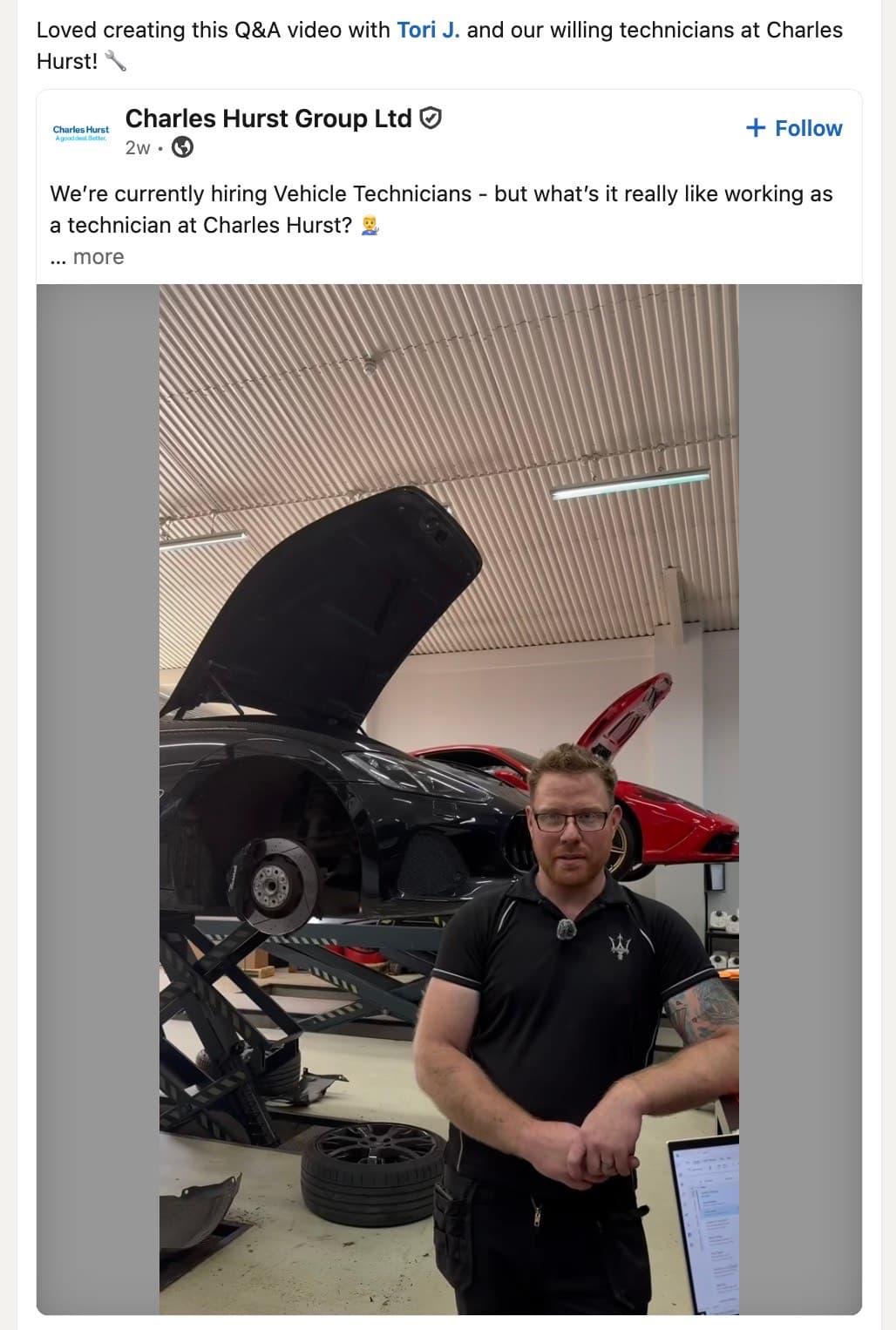
Source: Charles Hurst Group Ltd
Takeaways
LinkedIn video stuff rewards consistency and, like, specificity way more than the fancy production value. Just start with the formats that feel the most natural to you, could be a quick tutorial, or a super honest failure story, and go from there.
Use these LinkedIn video ideas that attract attention, build authority, and differentiate your brand from competitors.
Have more questions? Talk to a video expert from Zelios and get a detailed game plan to help grow your business.
Select the video type that aligns with your marketing objectives, and receive an immediate high-level estimate of the production cost.