
Being so important in the corporate world, a huge segment of technology manufacturers are now working to create new tech products regularly.
One of the most essential things that can make or break any such product is a compelling SaaS product demo video.
So, in this detailed guide, we will share insights on how to create effective and game-changing SaaS demo videos, so your product stands out in a crowded marketplace.

A SaaS product demo video acts as a very important bridge between your software and potential users, allowing the viewer to take a visual, interactive tour of product features, benefits, and real-world applications.
-
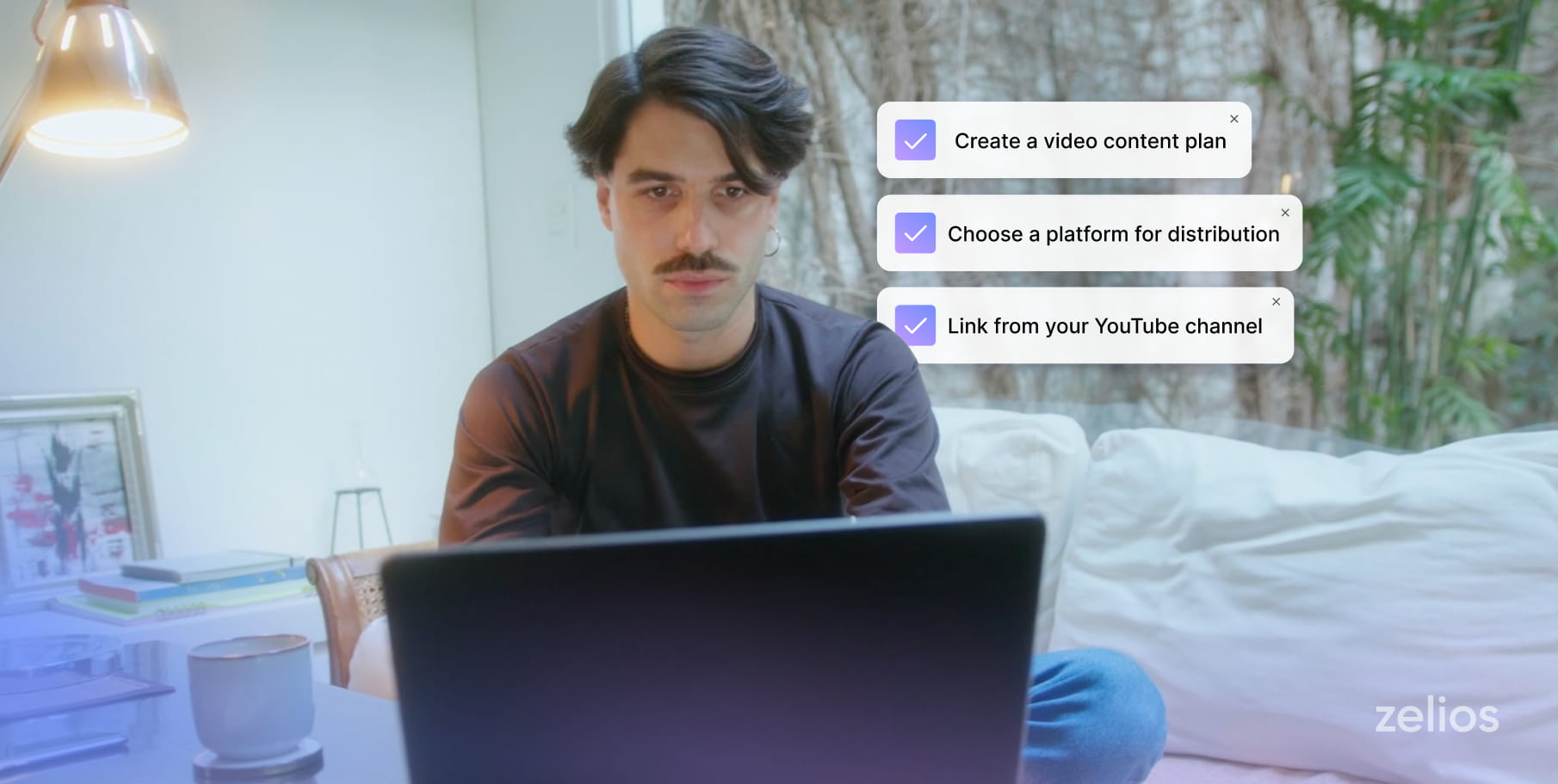
First, define clear objectives and a target audience. Set specific goals and tailor your product video to your audience’s needs.
-
Begin with attention-grabbing content and end with a clear call to action.
-
Demonstrate software features in real-world scenarios rather than just describing them. Show how your software addresses customers’ pain points and improves workflows.
-
Share product demo videos on your website, social media, and email newsletters, and optimize them for video SEO.
The Key Steps to Create a SaaS Demo Video
Define Your Objectives And Audience. Outline what your software demonstration video is supposed to do. Come up with clear goals.
Like is it meant to attract new customers, highlight new features, or simply explain core functionality.
This understanding will drive the content, style, and messaging subject of your video.
Not less important is understanding your target audience; after all, it has to be tailored based on their needs, interests, and concerns as prospective users.
Scripting Your Demo
A compelling video gets its foundation from a great script, one that conveys exact, concise, and catchy information about your software’s key features and benefits.
Here are some tips for an effective script:
- Start Strong: Grab their attention within the first few seconds.
- Highlight Benefits: Outline how your software solves specific problems or improves workflows.
- Show, Don’t Tell: Let your visuals talk to show your software in action.
- Add a Call to Action: Conclude with a compelling call to action that will get viewers thinking deeply about and looking to explore one’s software.
Use Appropriate Tools and Techniques
Choose an easily controlled and robust screen recording utility to help you capture your software in action.
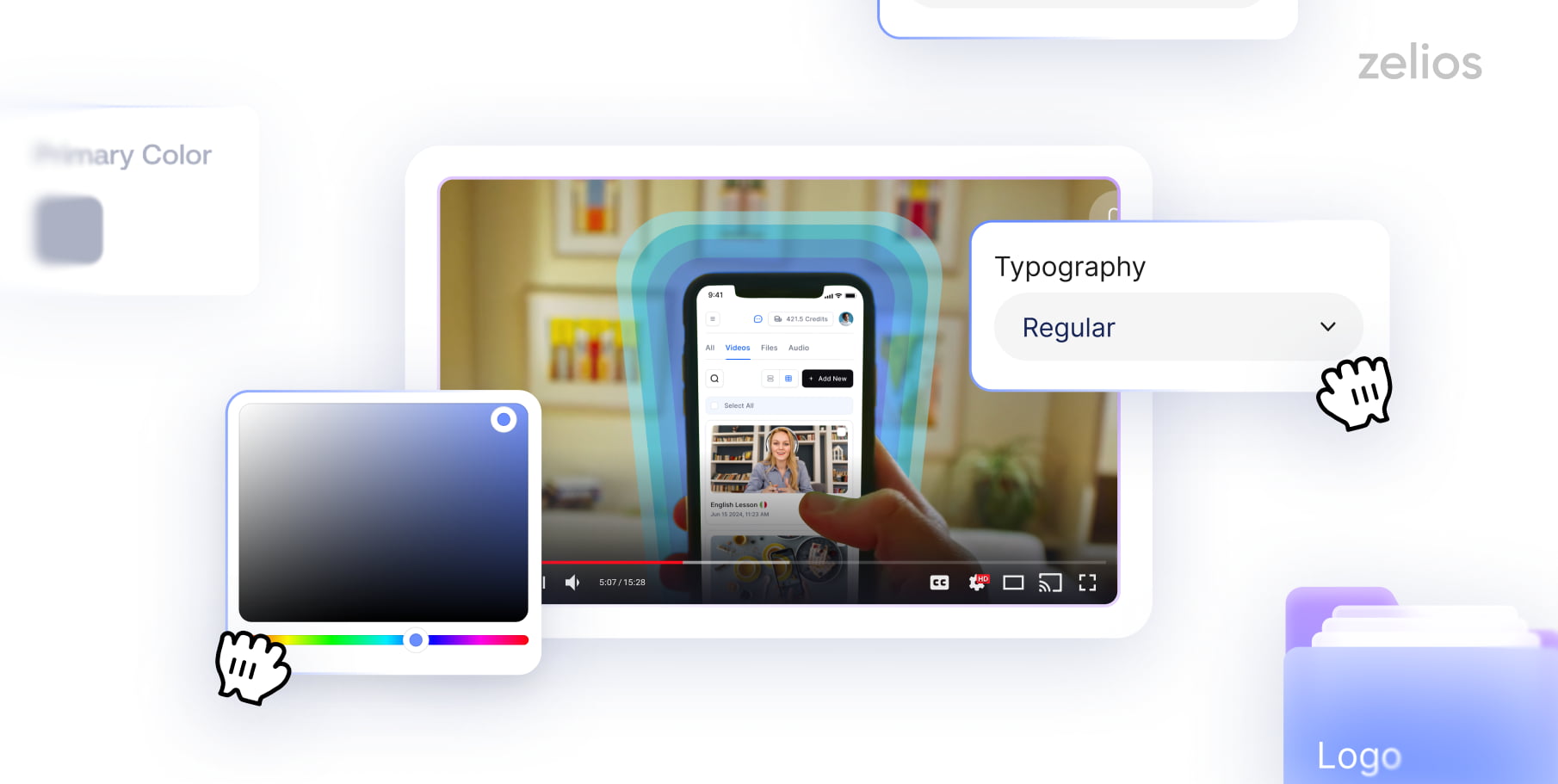
Make your SaaS product video more interesting by adding animation effects, voiceovers, or annotations to both the duration of time used and clarity.
High video quality is essential for making your demo professional and polished.
Distribute and Promote Your Software Video
To achieve maximum exposure with your demo video, it needs to be highly accessible to the target audience.
Share the content on all pages of your website, and post it on social networks and in email newsletters. You could use video SEO techniques for more visibility online.
Inspirational SaaS Demo Video Examples
Here are some of the best SaaS product demo video examples we have collected to inspire new ideas.
Grammarly
Their SaaS product demo video begins with a common pain point in remembering grammar rules.
With the use of animations, this product video shows how Grammarly’s browser plugin works and also explains with compelling reasoning why it helps write better.
Rosetta Stone
Overall, it is a powerful content that communicates the value that Rosetta Stone offers—the language learning platform- showing precisely how users can navigate through all of its features.
This embodies one of the better concepts about educating how a platform understands while pointing out the essential benefits.
eBay
eBay’s demo takes the viewer through a very relatable situation to show just how easy it is, yet how potentially profitable selling on this platform is.
A customer needs to understand how to use them for this purpose since the ad explains the basis in a very engaging and informative fashion.
Office 365
In its software demo video, Microsoft uses 3D animation to showcase the software’s workflow without characters, focusing on animated dashboards.
The video shows how Copilot’s AI tools streamline tasks such as drafting emails, summarizing documents, and analyzing data.
The use of dynamic 3D animation sets the brand apart and provides an engaging, visually appealing walkthrough of the software’s capabilities.
By focusing on real-time assistance and productivity, the video effectively demonstrates how Copilot simplifies complex tasks and leaves a memorable impression with its modern presentation.
TripAdvisor
TripAdvisor is indeed synonymous with affordable places for travelers to stay. Recently, the company also made it a means by which different businesses could get advertised.
Their new ad business introduction uses animations to show how easily it would become visible.
That would be intelligent, as many property owners might not know about digital marketing.
Using animation to explain how the program works, TripAdvisor makes it easier for everyone to understand — even those who aren’t as tech-savvy.
It will enable more people to value the product better.
Google Assistant
The Google Assistant video is a perfect example of how the features of a product should be demonstrated. It trails a user called Rachel all through her day, and it has animated visuals done in the style of Google.
Background music changes according to the video’s tone, trying to prove how adaptable the software is.
This demonstrates a product at work, especially in real-life situations, trying to bring out its cleverness and versatility.
Microsoft Loop
Microsoft Loop interfaces come alive with motion graphics, wherein the engagement is most active and showcases the other capabilities of the software.
The technique allows for the infusion of movement and transitions into typically static elements such as buttons or notifications in a digital interface.
In scenarios where real-life objects also move alongside on-screen notifications, users will know precisely how the software product works to improve daily tasks beyond the screen itself, how this sort of approach works well with showing the integration of the software into workflow improvement or enhancement of any user’s environment.
Conclusion
SaaS product demo videos are a great tool to increase your software sales and give your target customers an inside look at the features and benefits of your products while empathizing with them.
Armed with the knowledge provided in this guide, plus those used in the highlighted effective demo video examples, you can easily create a genuinely great and inspiring demo video.
To make a software demo video work, you must show value clearly in an exciting way.
The video must convey the practicality of your software and its cost-effectiveness in use.
From start-up launches to scaling SaaS platforms or enterprise needs, we are here to help you move quickly and efficiently with all your video requirements.
Get in touch today and let’s start working together!
Select the video type that aligns with your marketing objectives, and receive an immediate high-level estimate of the production cost.