Live demos can be really expensive to create. An account executive will use around forty-five minutes on a similar presentation deck. And the buyer might not even show up to the meeting. In most cases, they are not a good fit for the product, a time headache that demos can help eliminate.
When you think about all the time that gets wasted and multiply it by the number of buyers who do not show up, you will know how much time you save which can be put into other important tasks.
Which Demos Go Async, Which Stay Live
Before you start working on a service or product demo, you need to set some ground rules. A sales demo does not need to include every detail.
Replace with video:
- Product tours, which include the navigation and those key benefits
- Detailed looks at features that are connected to situations
- Industry-specific walkthroughs
- Answers to common objections that you give every time
- Videos you send to the buying team after a demo.
Keep live:
- Calls where you are still figuring things out
- Custom walkthroughs for specific accounts
- Conversations about procurement and contracts
- Q&A sessions, about security and compliance.
Create a Modular Video Library
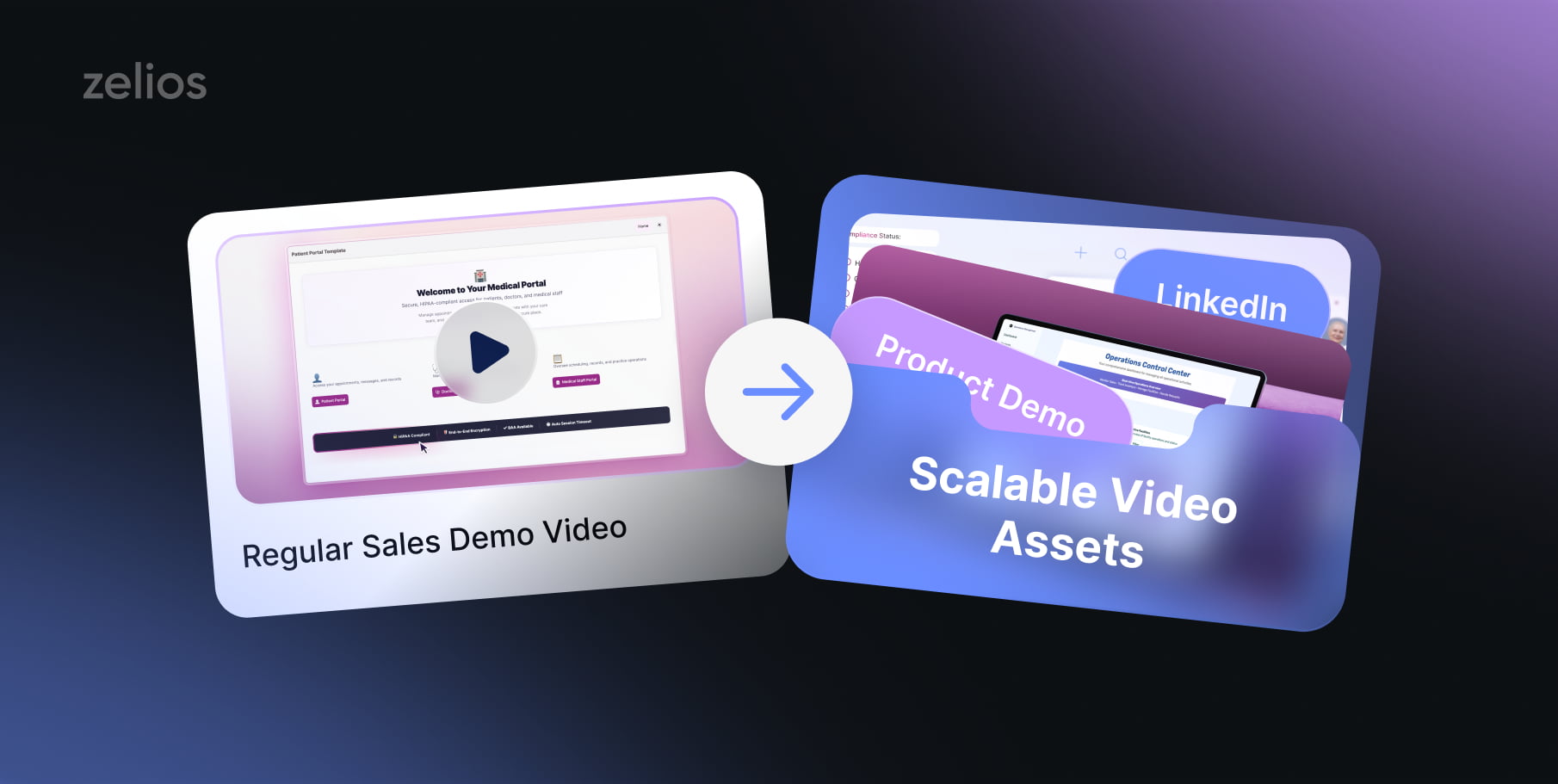
This is exactly where teams mess up. They focus on creating a fancy demo to put on their websites and think the job is done. However, if you look closely, it does not change much. One video will not talk to every visitor, or cover all steps of the process.
Here is what you can do. Create a wide range of content pieces. Around 8 to 14. And each piece should focus on a singular type of buyer. This way, you can simplify the process and address specific needs at the same time, all while saving time.
The 3 Asset Types You Need
- 90-second category explainer
Video explainers are as simple as they sound. They explain the need of a category, and focuses on buyers that do not have a need of it.. yet. This helps get their attention before you even get into a meeting with them.
- 2–3 minute product walkthrough
Product walkthroughs are also time-savers. This is similar to a demo, but focuses on one product at a time, its features, and how it solves a pain point.
- Role-specific deep-dives
Role specific deep dives are more focused on people to help them understand your product. They are focused on roles across the board, each catering to the specific role needs of a group of people. This way, each person only gets the information they need without wasting much time.
Mapping Assets to the Buying Committee
In any mid-market deal, you are solving a very active problem for the company. The needs of your buyer is changing over time, and therefore the timing of the information you are putting forth is very important.
- The champion will need to see a clear walkthrough, with clips fit for their role. This helps with credibility and quick organization.
- The buyer will need to know how quick your product can bring results, and explains how the category will fit into their operations economically.
- The end users will want to know how their pain points are being solved by your product and its integration in their workflow.
- Security and IT teams need to know that the product is secure, compliant, and east to navigate. They should have this information before the procurement team moves forward with the purchase.
- The procurement team will not need a demo video. However, they will need resources and other documents that can be linked for further use.
Embedding Video Into the Sales Motion
A video library that just sits there will not do much good to the company. An ideal demo video library needs to be put into use with the right assets, and integrated into workflows to demonstrate how the product effectively stands out.
SDR sequences
SDR sequences take over the touch and replace the typical email or voicemail feature that everyone avoids in their inbox. This helps your product stand out in the market with a personal sixty second clip with engaging sequences. These can include texts, and be consistent across the board for better engagement.
AE workflow
Now, you can turn the sequence around and start by sending them a short clip up-front. This will come before any kind of follow up to the client. Once the buyer has seen the video, the time you would have spent speaking to them about the basics is now saved, and you can figure out their potential needs instead of explaining the what, ifs, and hows of the product.
Mid-funnel demo flow
A new standard for mid-funnel demos should be put in place, where clients should be delivered a video to watch before any call is set up. Once they go over it, they are more prepared, aware, and serious about engaging with the product team for a potential sale.
What Live Demos Still Do Better
This part is really important for the product team. Video is not always the option to go for if the client is not engaging with them. Sometimes, you are making things harder for yourself by going down this route. Once you identify that things are getting a bit complicated, feel free to deviate from this and pick another path.
Conclusion
Demo videos are not the problem, but rather their scalability is. Every single hour, someone from your sales team demonstrates a feature to a potential buyer, who could have just received that information from a demo video shared prior to the call.
Building a library of demos will go a long way for your sales team in terms of reduced labour, and focusing on quality leads and calls. This attracts serious buyers who have made the effort to learn more about what your product offers, and want to engage in a conversation to discuss the potential benefits of it. Make sure to use them to their full potential.
Are you an ambitious SaaS, AI or tech brand? Let’s build your video-driven success together!