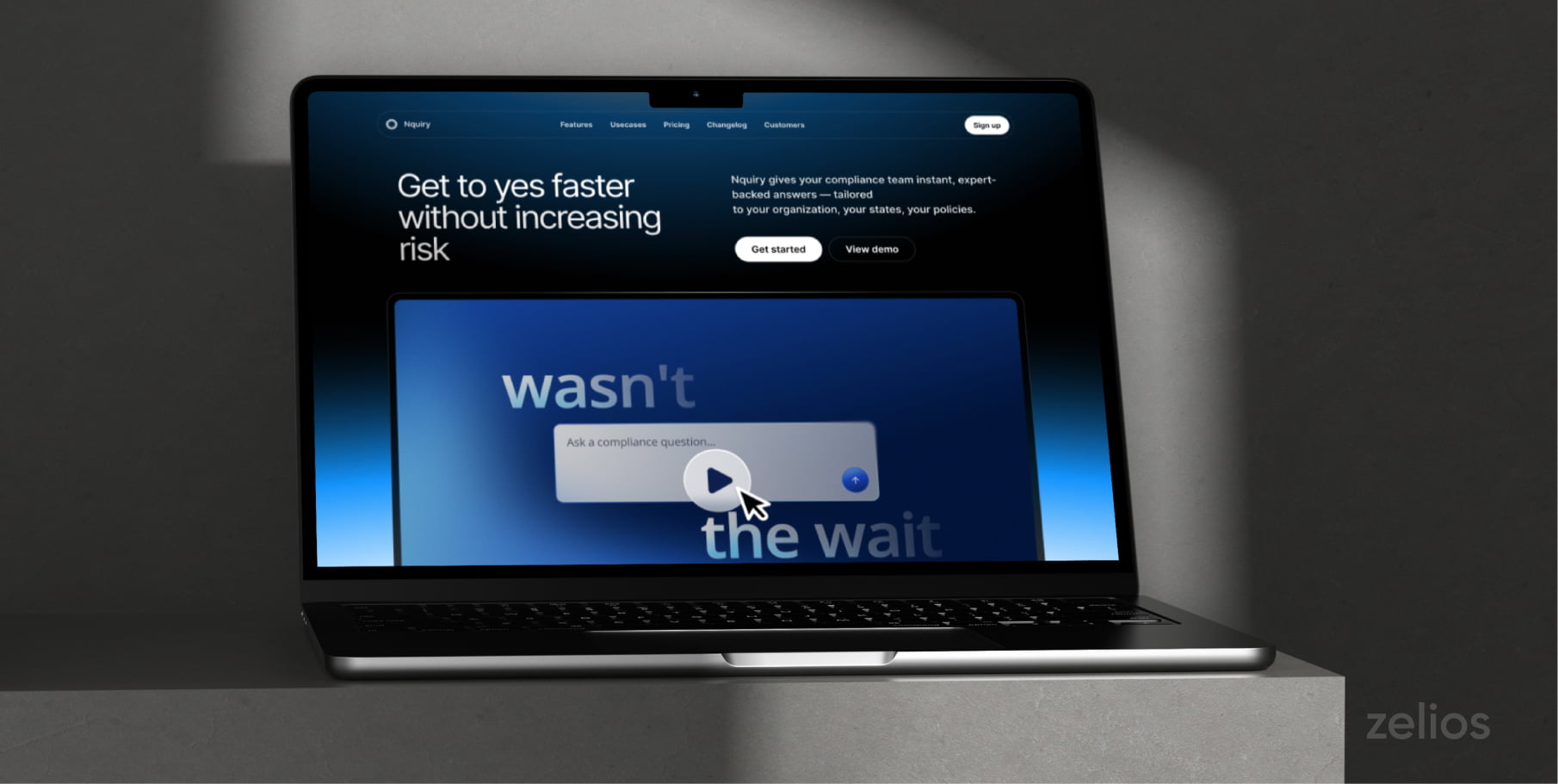

Product videos in 2026 have a harder job than they did a few years ago. People see product clips everywhere: in search results, on landing pages, inside emails, between short videos, in marketplaces, and across paid ads. A weak video disappears quickly because viewers already know what a generic brand clip looks like.
A strong product video does something more useful — it shows the product in a real situation, giving customers enough context why it deserves attention. The format can be short and simple, but it still needs a reason to exist.
This is why teams now treat product video as part of the buying path rather than a nice extra. A buyer might watch a 20-second promo first, then check a demo, then look for a short tutorial before paying. Each video answers a different question.
Learning how to create product videos in 2026 means thinking beyond “show the product and add music.” You need a use case, a short script, decent footage, readable text, and an edit people can follow without rewinding.
Why Product Videos Matter in 2026?
Product videos help people understand products faster. They show scale, movement, sound, texture, interface flow, and real usage in one format.
This matters most when the product needs context:
- a SaaS platform, for example, may sound abstract until the viewer sees the dashboard, the workflow, and the result on screen.
- a kitchen gadget may look ordinary in a product photo, then make more sense once someone sees how it cuts, folds, heats, stores, or cleans.
- a skincare product can show texture and application better through video than through a paragraph of copy.
Product videos also support trust. Buyers want fewer claims and more proof. They want to see what happens after the product is opened, clicked, worn, installed, sprayed, washed, or used for a week. Even a short clip can answer questions people usually ask before buying.
“For brands, video also gives more material to work with. One shoot can produce a website video, short social cuts, product page clips, sales snippets, and advertising creatives.”
The team gets more use out of the same idea, provided the original footage was planned with several formats in mind.
Main Purposes of Product Videos
Product videos serve different goals, so the format should match the job. A single video rarely covers everything well. Teams often get better results by creating several shorter pieces, each built around one purpose.
- Product awareness videos introduce the product to people who may not know the brand yet. These are often short and visual. They work well for social feeds, launch posts, and paid reach campaigns. The goal is simple: make the product easy to understand within a few seconds.
- Product explainer videos go deeper. They show what it does and why it helps. These videos fit landing pages, app store pages, and sales emails. They usually need a slower pace than social clips because the viewer is already showing interest.
- Demo videos show the product in action. For software, this often means screen recordings, cursor movement, sample data, and a clear user flow. For physical things, it may include close-ups, setup, size, packaging, and common use cases. A demo should feel practical rather than decorative.
- Promo videos are built for campaigns. They usually focus on one offer, launch, feature, or angle. A promo can work for ads, seasonal pushes, drops, and retargeting. It should move quickly, but still needs a specific reason for the viewer to care.
- Educational videos like tutorials, comparison clips, troubleshooting videos, and quick usage tips, help existing or almost-ready buyers. They can reduce support questions and make the product feel easier to adopt.
- Social proof videos bring in customer reactions, creator clips, reviews, ratings, or before-and-after examples. A real customer saying how the product helped in a normal situation usually feels stronger than a broad compliment with no detail.
How to Make a Product Video?
Define the Goal and Main Message
A vague goal like “make a product video” usually leads to vague footage. A better one sounds more specific: show how the app saves time during weekly reporting, show how the bag fits gym clothes and a laptop, show how the device works in a small kitchen.
Then, move to one main message. For example, a project management tool video could follow one approval task from draft to sign-off instead of listing every workspace feature. This keeps the message tied to a real use case, which usually feels more convincing than a feature list read over nice footage.
Plan the Script and Visuals
A product video script should be simple enough to say naturally: the situation, the product, the result. Long phrases, crowded feature lists, and abstract brand claims make the video harder to follow.
Plan the visuals at the same time. For a physical product, list the shots you need. For software, prepare the screen before recording. Use clean sample data, close unrelated tabs, hide private information, and record only the necessary part of the workflow.
Planning also helps with making product videos for several platforms. Horizontal shots go on YouTube and your website pages, while vertical framing is for Reels, TikTok, Shorts, and many mobile ads. Capture enough material to create both formats later.

Record the Product in Use
Show clicks, screens, outputs, movement, scale, and real surroundings.
Plan the visuals at the same time, because the viewer will judge the product by what they can actually see. A water bottle video should show the lid, grip, size in a bag, and whether it fits a car cup holder. If the product is a video editing app like Movavi or CapCut, the footage should show the timeline, a trimming action, captions being added, export settings, and the finished clip.
This makes the video more useful because the viewer leaves with a clearer sense of the product than they had before pressing play.
Edit, Adapt, and Review
In the edit, cut anything that slows the product down. Long pauses, repeated clicks, shaky seconds at the start of a shot, a screen loading for too long, all of that can go. Leave the parts that help someone understand what the product does.
Captions are worth adding, especially for short ads and social clips. Text labels can help too, but keep them short. Label a button, a feature, a price, a result, or a product detail only when the viewer may miss it.
Some problems are easier to fix before the final edit gets crowded. A clip filmed sideways can go through a rotate video online tool, and a file that’s too heavy can be compressed before upload. Small fixes like these are boring, but they save time when you’re preparing the final version.
Before publishing, watch the video once on various devices. Make sure the product appears early, the text is readable, the sound does not jump between clips, and the ending tells the viewer what to do next.
Final Thoughts
Product videos in 2026 work best when they feel specific, practical, and easy to watch. The goal is to help people understand what it does, where it fits, and why it may be worth their time.
Once you know what the video should prove, the script, shots, edit, and format become easier to decide. A small team can still make useful videos; the main thing is to avoid treating every clip like a big production.
Have more questions? Talk to a video expert from Zelios and get a detailed game plan to help grow your business.