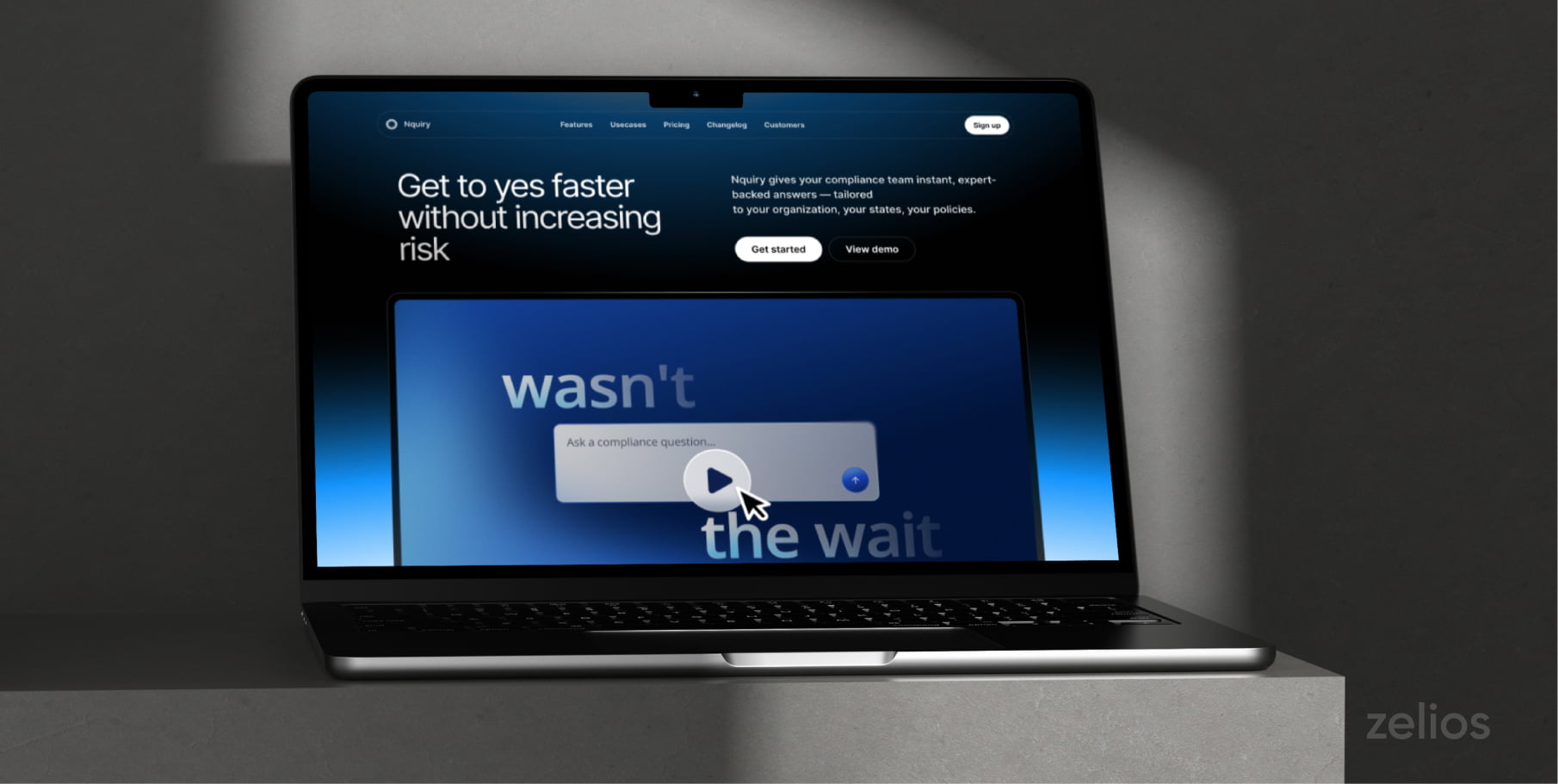

SaaS products are often difficult to explain because much of their value lies in workflows, data processing, integrations, and automation—things that users cannot see. Animated videos can make those abstract benefits visual stories.
A proper SaaS animation can educate prospects on what the product does, how it benefits processes, and why it is important, eliminating the need for lengthy demos. Now, let’s look at eight realistic tips on how to highlight the value of a SaaS product with animation.
1. Animate the First-Run Onboarding
“Reduce time-to-value and support load with a guided first session.”
The first few minutes of a SaaS product can often determine the rate at which a new user understands its value. An animated onboarding sequence helps people do the right things without overwhelming them with all of the features.
Use short motion sequences to highlight:
- Where to begin
- What information to enter
- Which feature to try first
- What a successful first action looks like
- What to do next
Keep animation to the minimum, to a goal that is useful. If the product can be used to build reports, for instance, demonstrate how to build a report, rather than the various menus, settings, and integrations.
2. Bring the Invisible Backend into View
“Animate what happens under the hood (data flow, model, sync).”
The power of some of the best SaaS features lie behind the scenes. Data can be synchronized across the systems, fed through an algorithm, subjected to modelling analysis or automatically integrated through an integration.
These invisible processes can’t be well represented in a screen recording. Animation can.
Explain what happens when a user clicks a button using a diagram, a moving data point, connected nodes or a simple visual metaphor. A cybersecurity platform could provide a roadmap of the threat’s journey into detection and response. A visual tool that depicts data coming from various sources to a single dashboard could be used.
The goal is not to expose technical complexity. Its purpose is to make the value known that is hidden.
3. Create a Before-and-After Video
“Contrast the messy status quo with the calm after adoption.”
One of the most obvious methods of conveying SaaS value is through a before and after video. Start with the problem your target user already knows: disconnected tools, repetitive tasks, missed updates, manual reporting, or cluttered workflows.
Next, demonstrate what takes place once the product has been released.
Contrast should be specific. Show what steps (not the “before” part) takes time or causes friction instead of just presenting the “before” as a general frustration. In the “after” portion, illustrate the same steps, but how the SaaS product makes them easier to do.
This is a good format to use when you’re trying to get people to understand a transformation – such as on your landing page – a sales presentation or social media video.
4. Quantify Value with Animated Data
“Motion charts for time saved, ROI, or conversion lift.”
Statements like the ones above are more convincing when backed by facts.
Customer results, internal metrics, or product metrics can be transformed into animation—this can make it easier to understand than a static table. You might animate:
- Time saved per task
- Reduced manual procedures
- Conversion improvements
- Faster response times
- Cost savings
- Usage growth
Use only numbers that you can back up. If a result is taken from one customer case study, then identify it as a specific customer outcome, and not simply a result.
Animated charts should clarify the number, but should not distract users with a lot of animation.
5. Rebuild the UI in Motion
“Kinetic UI, not a screen recording.”
For a basic screen recording, it can seem like a boring, tedious process to have to watch a cursor click through each of the steps. The interface will be reconstructed in the process, so only actions that are relevant will be displayed.
The idea is to show the product without having to repeat all of the seconds of actual use by using simplified interactions and animated UI elements, zooms, etc.
For instance, you can make a form filling, a dashboard refreshing or a workflow transitioning from one status to another, within seconds.
Maintain authenticity of the animation to the actual product. If potential customers find that the software isn’t what they expected after playing around with it, they may be let down.
6. Compare the Old Way with the New Way
Display old method before. This could include spreadsheets, emails, repetitive data re-entry, unconnected systems or manual steps involving approval. Next, stick the old step by the SaaS one or just replace it with the new step.
“This allows buyers to appreciate the benefits of the process in practical terms, not as a list of characteristics.”
It can be very beneficial when you offer it to businesses that have a process already in place. Rather than just stating that your software is simpler, prove it by showing how an existing process is eliminated, automated or now more visible.
7. Create a “How It Works” Walkthrough
“It’s a clean 1-2-3 sequence that resolves the “But how do I actually use this?” in under a minute. It works best for tools with a simple core loop.”
For SaaS products that have a relatively straightforward core activity, a short-animated walkthrough works best. It is meant to address the question: now how is it put into practice?
Plan your video as a simple shot list:
- Start with the user’s input or first action.
- Explain the next step that the platform performs.
- End with the result the user receives.
Keep the explanation as succinct as possible; something that can be understood in less than a minute. Don’t be tempted to make the walkthrough a full-blown teaching session.
These work best when used on product pages, feature pages, onboarding emails, or sales follow-up emails as the prospects can grasp the overall experience without committing to a full product demo, just yet.
8. Blend Animation with Live Action
“The combination of real-life and animated elements in a video can make it more relatable, engaging, and informative.”
A presenter, customer or employee can present an authentic issue and animated overlays can display data, processes, dashboards or results. It is also possible to switch over from the workplace scenarios to the animated movement of products.
Steer clear of a disjointed sequence of contrasted styles, and ensure there’s a seamless blend between the live-action and animated portions of the video.
Conclusion
The best SaaS animations do more than look smooth and have a perfect appearance. They bring value to life.
They present real-life data in an animated format, change interfaces or steps to clarify, show before-and-after comparisons, reveal invisible processes, explain products, and add clarity to live-action stories.
Start with the buyer’s problem and choose the best format for explaining the solution. When all the visuals communicate the same information, a practical sales and marketing tool emerges.
Got questions? Our animated video production agency is here to help with valuable insights on how to approach your project. Schedule a call and let’s talk about the details!
Select the video type that aligns with your marketing objectives, and receive an immediate high-level estimate of the production cost.