



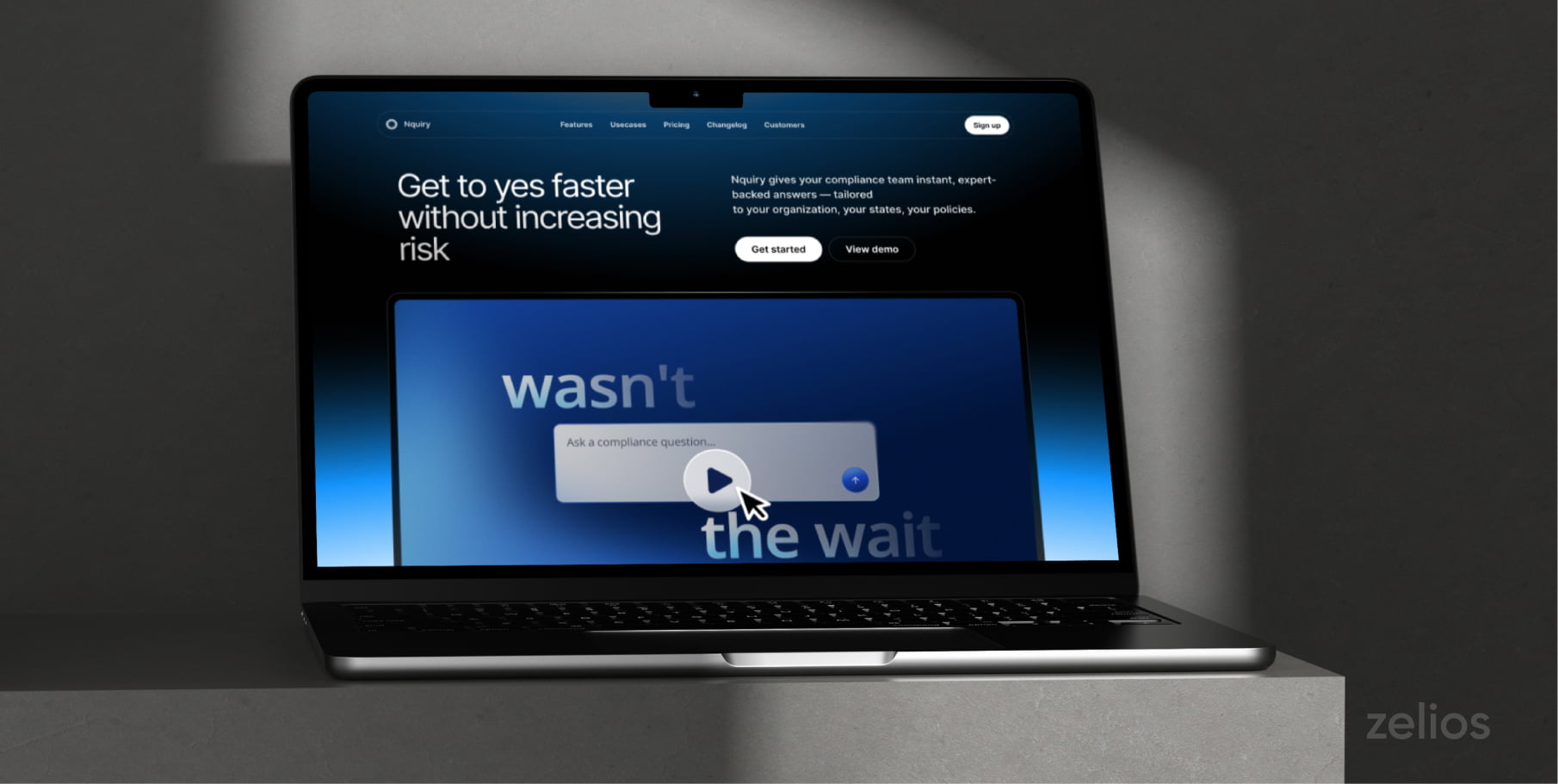
Homepage explainer videos are the short first-visit content assets that answer two questions before anyone scrolls: what is this product, and who is it for.
A homepage explainer is not a product demo. A demo shows an interested buyer how the software works, screen by screen, and often runs five minutes or longer. Explainer talks to someone who landed thirty seconds ago and may not know the category exists. It trades feature depth for positioning clarity.
Below are the best homepage explainer video examples from B2B tech companies. Each example includes what the video teaches a first-time visitor and one production lesson that can be reused.
1. Deel: Global Hiring In One Platform
· animated, full voiceover
Deel handles international hiring, payroll and HR in one place, including for people you employ without owning a legal entity in their country. The video walks the full worker lifecycle: localized contract, visa, background check, equipment, then payday for contractors and employees together.
It opens on the problem, noting that some teams run up to 16 separate tools to make global work function.
Key lesson:
“Put a number in the first ten seconds. “Up to 16 different tools” is sharper than “fragmented workflows” and it gives the animator something concrete to draw.”
2. iBanFirst: 48-second Fintech Cut
· animated, no voiceover
This is the shortest brief on the list: one minute or less, built to run on a homepage hero, in ad campaigns and on conference screens. There is no narration. On-screen type and interface motion carry the entire message, so the product reads as a fast, modern payments platform before any copy below the fold is read.
Key lesson:
“Cut for silence first. Most homepage embeds autoplay muted, so if the message only lands with sound on, it does not land at all.”
3. Datadog: the Runtime Is The Promise
· product UI and motion graphics, music only
Datadog is a single platform for monitoring infrastructure, applications, networks, security threats and user experience, rather than five separate tools. The scope is the pitch. There is no voiceover at all, so the claim is made visually, by moving through dashboards fast enough to suggest breadth without asking anyone to read a chart.
Key lesson:
“Put the runtime in the title. “In 45 Seconds” is a contract with the viewer. It tells a skeptical visitor exactly what they are risking by pressing play.”
4. Miro: One Video, Several Languages
· live action and motion graphics, full voiceover
Miro is positioned as an AI workspace where people and AI build together, not as a whiteboard. The argument is a ratio: teams spend three hours on admin for every one hour of real work. The promised outcome is stated in human terms, shipping ideas faster and getting home for dinner, rather than in feature names.
Key lesson:
“Miro ships this video with localized audio tracks, including French. If you are selling into several markets, budget for dubbing at the script stage instead of recutting later.”
5. Teamble: The Longer End of Short
· animated, no voiceover track
Teamble is an AI product for team feedback and performance that works inside the apps a team already uses. At 1:38 it is the longest of the animated pieces here, which buys room to show the product in context rather than as a logo and a claim. The interface does the explaining.
Key lesson:
“Let category familiarity set the runtime. An unfamiliar workflow needs the extra forty seconds; a product people already understand does not.”
6. Gong: Naming Your Own Category
· animated, full voiceover
Gong captures customer conversations across every channel, layers AI on top and explains why deals close, which is the gap it says CRMs leave open. Midway through, the narration stops and names the thing outright: this is called revenue intelligence. Coaching, competitor mentions and enterprise security follow as proof, not as the lead.
Key lesson:
“If you are creating a category, teach the term inside the video. The homepage explainer is the one place a visitor will sit still long enough to learn new vocabulary.”
7. Attio: Show The Interface, Say Nothing
· screen capture and motion graphics, music only
You can search, update and create records across the CRM by typing a question. The video also shows call insights surfacing and follow-ups drafting themselves. None of this is narrated. The camera stays on the product while prompts are typed and the interface answers, which is a more credible demonstration than a voice describing the same thing.
Key lesson:
“When the value lives in the interface, show the interface responding in real time. A voiceover over the same footage would add length and subtract proof.”
8. Navan: Two Buyers, One Script
· animated, full voiceover
Navan covers booking and expenses in one platform, with company policy built into the search results rather than enforced afterward. Travelers hear about seat swaps, 24/7 support and credits earned by picking cheaper hotels. Finance hears about automatic transaction capture, real-time policy tracking and the end of expense reports.
Key lesson:
“Write for the buying committee, not one persona. The script alternates between the end user and the economic buyer, so both watch the same ninety seconds and both find their objection answered.”
9. Salesloft: Name the Role In The First Word
· animated, full voiceover
Rhythm is an AI workflow that ranks what a seller should do next, pulling buyer signals from Salesloft and from partner tools, so the day is spent selling instead of switching between apps. The opening word is “Sellers,” which filters the audience before a single feature appears.
Key lesson:
“Address the role out loud in the first line. It costs one second and it tells everyone else on the page that this video is not for them, which is a feature on a homepage serving several segments.”
10. Lovio: The Shortest Brief On The List
https://youtu.be/_PLSHdVR4no
· animated, music only
Lovio turns a description into a working app. The concept is simple enough to grasp without narration, so the video spends its 54 seconds showing the build happening rather than explaining what an AI app builder is. The demonstration is the definition.
Key lesson:
“Do not pad a simple idea to hit a runtime. If the product can be understood by watching it work once, the second demonstration is where viewers leave.”
Conclusions
The most effective homepage explainers have a few things in common. They begin with a specific problem and often use numbers. They work with the sound off. They adjust their runtime based on how familiar the category is and address more than one role on the buying committee.
Before scripting your own, decide who the video is for and what a first-time visitor must understand in the first ten seconds.
Strengthen your sales funnel with a multipurpose animated video explainer. Let’s talk about your project!
Select the video type that aligns with your marketing objectives, and receive an immediate high-level estimate of the production cost.


